In the past I've reviewed several Wacom tablets:
So this is my first non Wacom tablet, and I'd have to say - it's already my favorite.
A brief summary of my history - the Wacom Graphire was my first every tablet, and while it was cool for the time, I never really got used to the hang of drawing while looking at a screen. The drivers were a bit clunky, but I love it for nostalgic reasons. Thanks mom.
The Intuous Pro I got after I was forced to use one at work (well, not "forced" but peer pressured, lol). Once I got used to using the Intuous pro at work, I got over the hand-eye disconnection, and really enjoyed it, so I picked up one for home.
When I transferred departments, my coworker had a CintiQ 21UX and I immediately fell in love. The first moment using it felt magical, and I immediately picked one up on Craigslist.
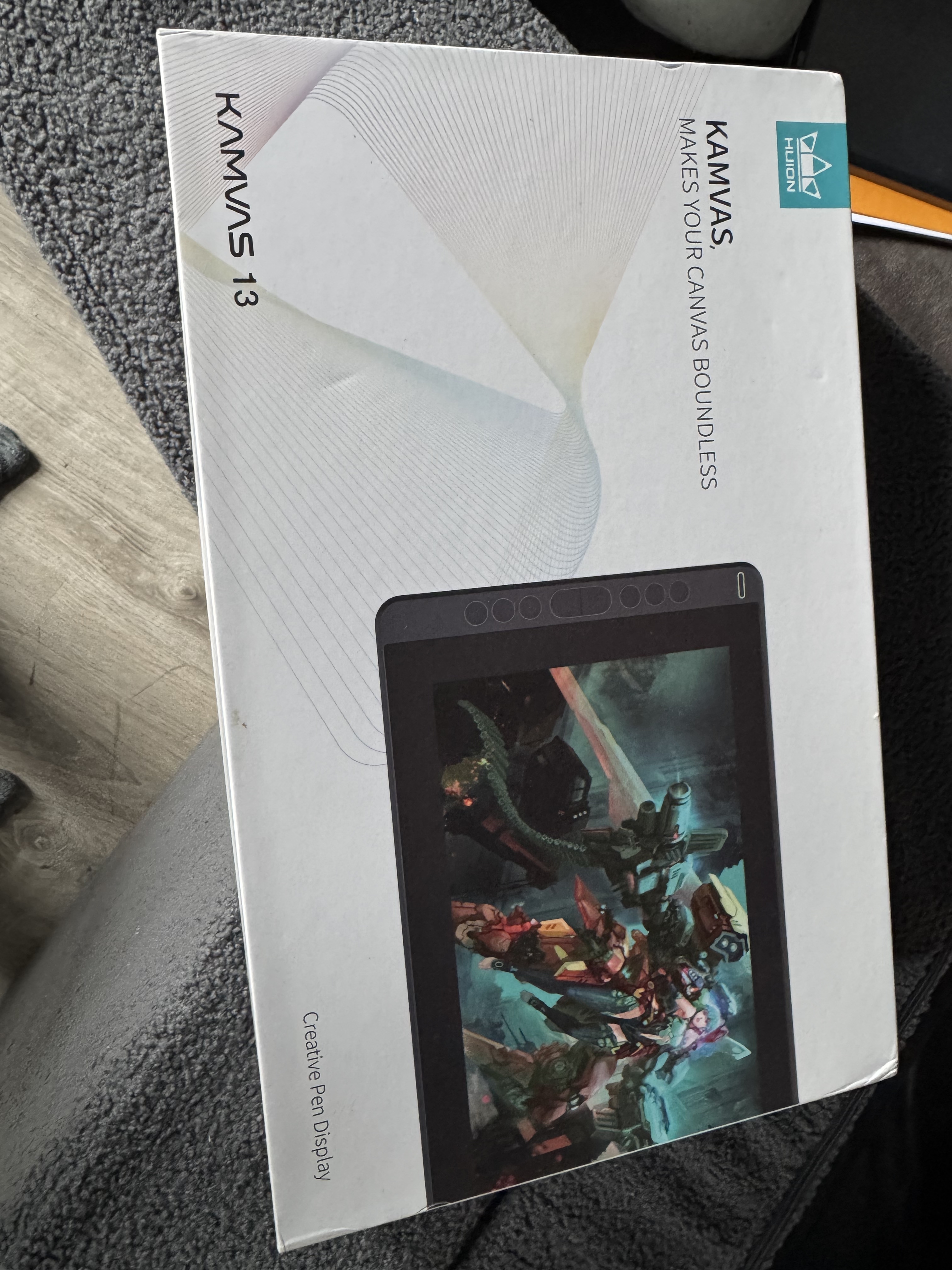
But those days are over, screens have become cheap, and you shouldn't need to buy a giant heavy behemoth like the CintiQ. I decided to try out the Huion Kamvas 13 for my birthday, and I love it. It's a pretty affordable option, and works perfectly.
First, it attaches pretty easily - it has a L-shaped USB 3 plug that plugs into the screen and splits into three ends: one USB for power, one USB for data, and one HDMI input. It's easy to set up - plugin the data USB to your computer, the HDMI into a HDMI port on the graphics card & the power USB into a power brick. It's nice and Tidy, so there's only one cable leaving the tablet on your desk.
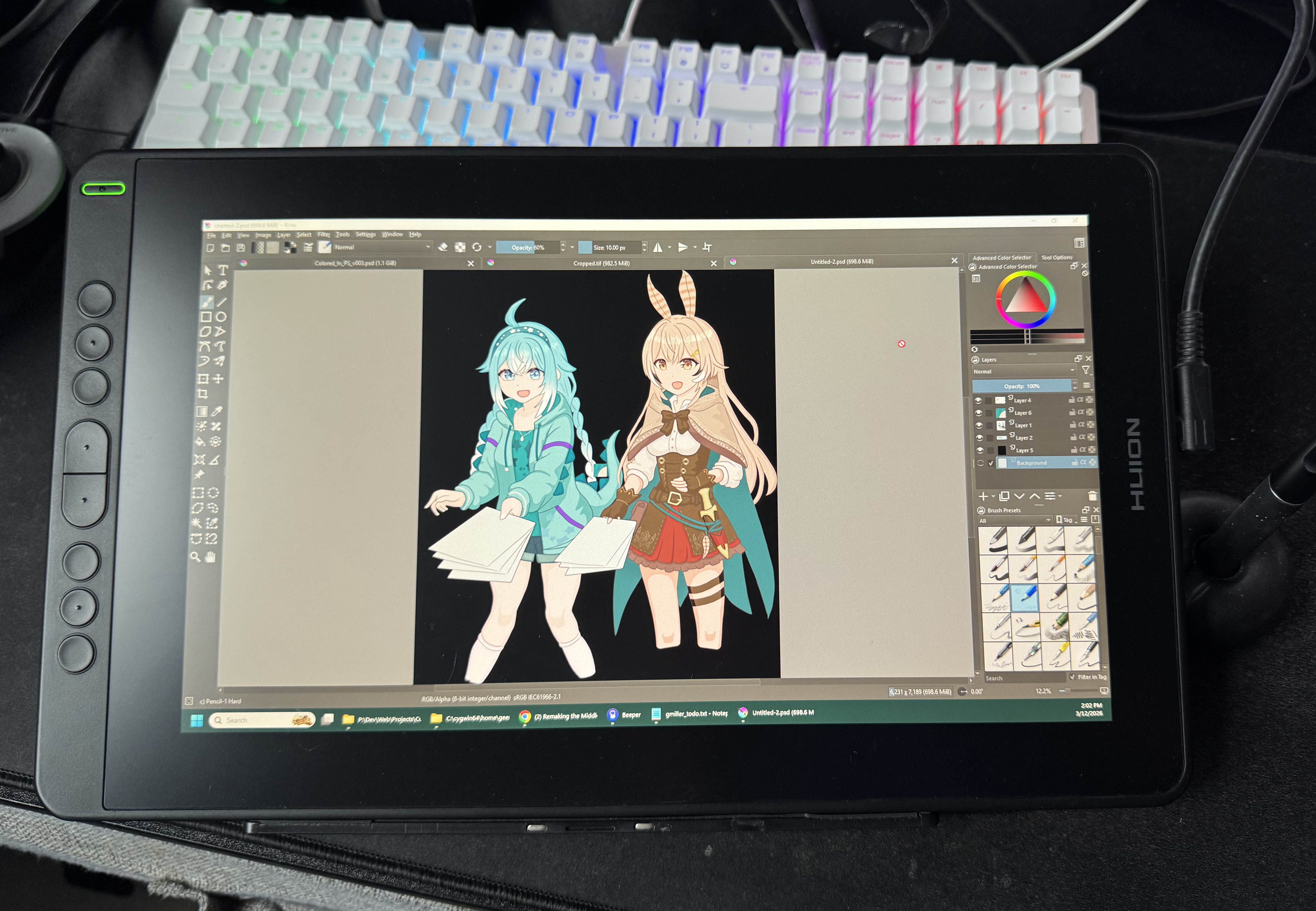
The screen looks great & the pen feels fine. While I'm not a professional artist, the pen pressure works for my needs. This isn't not a professional artist review, lol.
There's only two downsides, but neither are Huions fault.
First, I have a multi-monitor setup and I don't want to run another HDMI cable from my graphics card. So to make this work, I either have to unplug one of my monitors and plug it into the Huion, which is less ideal if you're used to having both primary screens on. The other option is to get an active HDMI splitter, so the Huion matches one of you displays. I didn't want to mess with the signal of my primary monitor, so I picked up a splitter for my secondary display, so when I plug in the Kamvas 13, it mirrors that. Works fine, but can cause your windows monitors to blink or spazz out when first plugged in.
The other downside, which is not Huion's fault, is getting spoiled by the Apple iPad. I have an iPad pro and have been using Procreate - the touch screen and Apple Pencil combo works really well. After using the iPad, it's really hard to go back to a drawing tablet based on windows.
Of course, the Huion Kamvas 13 is still really awesome, and I'll use it for apps that I wouldn't on the iPad, such as Blender, Krita, or Sketchbook Pro on windows. This is the closest thing to the magic of the CintiQ, but much more cost and space effective.
I should also mention the driver - I like it a lot. While the original Wacom drivers were rough, they were improved for the Intuous. But that was over a decade ago since I touched Wacom stuff. I remember the Wacom drivers (at least back then) would sometimes cause Input lag with Adobe products and other software. No idea if that's still the case, but the Wacom drivers never really hit for me.
These drivers, however, are great. There's not a lot of settings, and they mostly "just work". They're easy to set up and feel light weight. You can easily pick which of the two monitors you want to send the touch input to, and bind some hot keys to the pens buttons, or the tablets macro buttons.
I have no complaints with these drivers at all!
Overall, this is a great entry level screen based drawing tablet. While I appreciated the Intuous Pro and CintiQ while I had them, at this point, I'm never going back. I'll be rocking Huion & iPad from now on.